I stopped watching pipelines
I stopped watching pipelines. Not because they got faster. They didn’t. I just stopped being the person who sits in front of them.
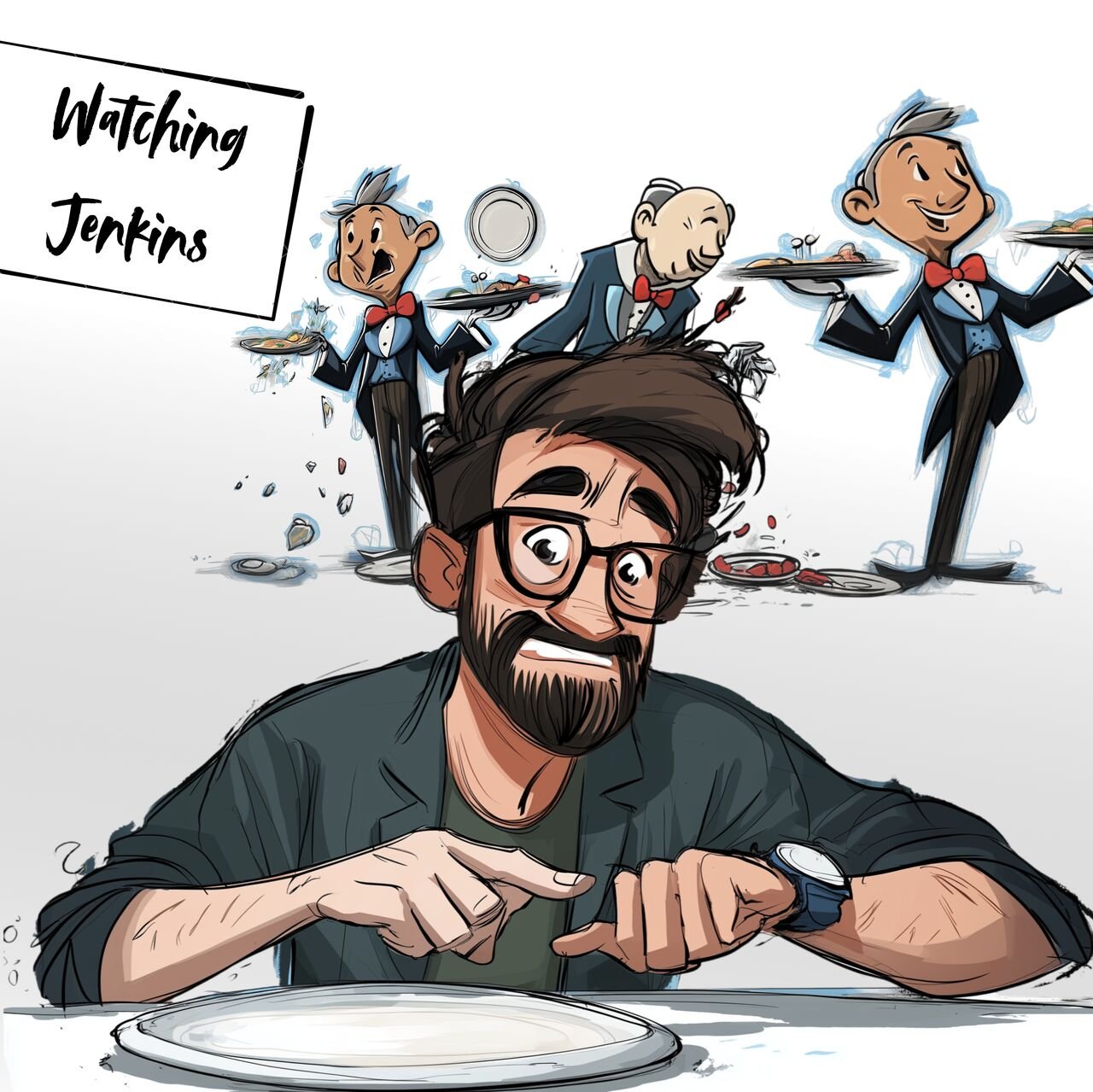 Watching Jenkins: the table is set, the waiters are busy, nothing arrives.
The waiting game
At work I live in a microservice architecture. A typical feature touches three or four services plus one umbrella repository that holds a Helm chart and a big Jenkins pipeline. That pipeline deploys the whole product into a throwaway namespace on a dev Kubernetes cluster and runs API and UI integration tests against it. When I change several services, my day used to look like this:
- push service A, wait for its Jenkins build
- check the SonarQube quality gate (ours is set up strictly)
- wait for the Docker image to be published
- copy the new version, something like
1.4.0-TICKET-SNAPSHOT, out of the build log - repeat for services B and C
- paste all versions into the YAML of the umbrella repo, push, wait for the deploy
- wait for the integration tests, which take anywhere from 20 minutes to „go to lunch“
If one test fails, fix it and start the whole relay again. Every individual step is automated. The handovers between them are not. I was the handover. A very expensive, easily distracted handover.
The setup: one token, one env file, one skill
The technical part is almost boring. I created a personal API token in Jenkins and put it into a local env file next to the tokens for GitLab, SonarQube and our test-report server (ReportPortal), and a kubeconfig for the dev cluster. Claude Code reads the token from the file, never echoes it, and talks to Jenkins through its plain JSON API with curl. No Jenkins MCP, no plugin. SonarQube is connected through its MCP server.
The real work was explaining how our world fits together. My very first prompt in that direction was a small, impatient one from early June:
use ../<repo>/.env JENKINS_DEV_TOKEN to check https://<jenkins>/job/<service>/job/master/ 175 to finish, causes 176, needs to finish, then go to ../<umbrella-repo> and run git push. Can you do so? then I do not have to wait
That worked, and it was the moment I realised I could hand over the whole relay, not just one leg of it. Two days later I tried exactly that on a bigger change and asked it to watch the umbrella deploy:
now please watch https://<jenkins>/job/<umbrella-repo>/job/<my-branch>/2

It deploys at kubernetes accessible via ~/Downloads/<kubeconfig>. Monitoring namespace sometimes hangs. Then the jaeger traces pod requires user. please check that pipeline. let's see whether our livetests go through
Notice how much context is in there that only exists in my head: which cluster, which namespace is flaky, which pod tends to hang. The agent can’t guess that. If you want it to babysit your pipeline, you have to tell it where the pipeline usually trips.
Where it went wrong first
The first weekend was not a success story. Claude started the umbrella deploy before the service build had published its image, so the deploy ran without my change and the tests failed for reasons that had nothing to do with it.
tests failed. ! what is your monitor doing. all 76 failed again
The monitor had been waiting for the Jenkins build to finish, and the API test stage keeps running long after the outcome is obvious. The test report server shows the failures within minutes; Lesson one: tell the agent what „early failure“ looks like, otherwise it waits for the slowest possible signal.
Lesson two came in the same session, after the ordering mistake. Instead of explaining it a third time, I made the agent write the rule down:
yes, you need to wait for <service> to finish before you can start <umbrella-repo>! I thought you had understood this. Please note into .claude directory into CLAUDE.md

Check code for tests and Sonarqube (via MCP)
Push CODE
Wait for Pipeline to start
Wait for pipeline to fix
restart or create <umbrella-repo> pipeline
watch <umbrella-repo> pipeline via Jenkins
watch reportportal via token to see in API tests, what might go wrong in dependent repositories

such that next time, those steps are clear
This was the most valuable prompt of the whole exercise. The resulting CLAUDE.md is about 75 lines and has six numbered steps, each with the exact API call. Lesson 3: It was a bit too big, Jenkins and Claude were now collaborating, but it was too much of stuff….
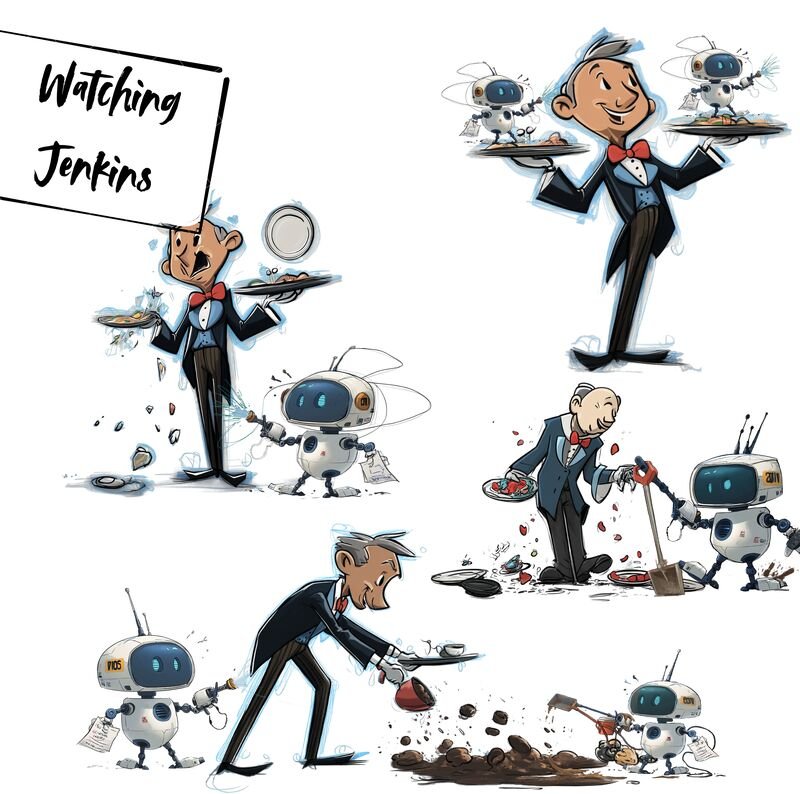 The robots don’t stop the waiters from dropping plates. They just clean up and report back.
From CLAUDE.md to a team skill
A CLAUDE.md lives in one repository. The relay spans many. So the notes grew into a Claude Code skill that the team now shares. Its shape is simple and I’d recommend it to anyone doing the same:
microservices/
  SKILL.md                  # when to use it, "before you start", the rules
  SETUP.md                  # which env file, which variables, which kubeconfig
  references/
    architecture.md         # how config and versions flow through the system, known gotchas
    workflows.md            # copy-pasteable recipes:
                            #   0 read one env var safely (never source, never echo)
                            #   1 monitor a Jenkins multibranch build until a terminal state
                            #   2 monitor a GitLab pipeline / job log
                            #   3 repull pods to deploy a new image
                            #   ... bump an image version, verify on the live pod
The SKILL.md itself is short. But what makes it handy, are the references to the whole architecture, to where tokens are stored and how each service is build with in a seperate Pipeline.
The skill also writes down our version convention, because the agent kept getting it wrong: on a branch every service carries <version>-<TICKET>-SNAPSHOT, the umbrella branch points to those snapshots, and only after the service merge requests are merged and the master pipeline has cut the release version do we pin the umbrella to real versions.
The loop itself
Under the hood, Claude starts a background shell that polls Jenkins and only comes back when there is a result. Here is a cleaned-up version of what it actually runs. Host, job and token are placeholders:
JOB="https://jenkins.example.com/job/<job>/job/<url-encoded-branch>"
AUTH="$JENKINS_USER:$JENKINS_TOKEN"

# 1. wait until the last build is no longer running
while true; do
  R=$(curl -s -u "$AUTH" "$JOB/lastBuild/api/json?tree=number,building,result")
  echo "$R" | grep -q '"building":false' && break
  sleep 60
done
echo "$R"

# 2. which stage failed? (Pipeline jobs expose stages via wfapi)
curl -s -u "$AUTH" "$JOB/lastBuild/wfapi/describe" \
  | python3 -c 'import sys,json; [print(s["name"], s["status"]) for s in json.load(sys.stdin)["stages"]]'

# 3. only the interesting lines of the console
curl -s -u "$AUTH" "$JOB/lastBuild/consoleText" | grep -E "ERROR|FAILED|Finished:" | tail -15
One gotcha it figured out on its own: when you trigger a parameterised build, Jenkins gives you a queue item, not a build number. When several people use the same deploy job, „lastBuild“ might be someone else’s. So the agent lists the last few builds with tree=builds[number,actions[parameters[name,value]]]{0,3} and picks the one whose parameters contain my namespace name. Small thing, but it’s exactly the kind of thing I would have got wrong at 6 pm.
What the prompts look like now – The wow effect
Once the skill existed, the prompts got shorter and the jobs got bigger. This is a typical one from October, after a merge request was approved:
cool. then merge <service> MR. wait for release version, publish it. Wait for the correct release version, mention it in "<umbrella-repo>" branch. Tell me when "<umbrella-repo>" MR is ready and tests are working fine!
And this is the most ambitious one, where I handed over an entire cross-service feature including the deploy and a browser check:
ok. Here is my thing. you have Chrome access. so you should

1) Branch off "<umbrella-repo>" from <colleague>'s branch
2) Create the <service-a> changes
3) Create the <frontend> changes
4) Use the microservices Skill to check, whether it all works in a deployed system

This you do, until you have a full response, I wanna hear from you in 1-2h when you finished and the thing works. Any questions? Spin up subagents only in Opus for all subtasks to speed you up and run in parallel. use Fable for coordination and planning, opus for coding and running and watching pipelines.

Questions? Open points?
Three things make this one work.
It is a numbered list with a clear end state („the thing works“), not a mood.
It says when I want to hear back.
And it ends with „Questions?“, which gives the agent a chance to ask before it disappears for two hours, instead of guessing and burning a deploy slot.
Splitting the work into sub-agents per repository also keeps one service’s context from leaking into the other’s.
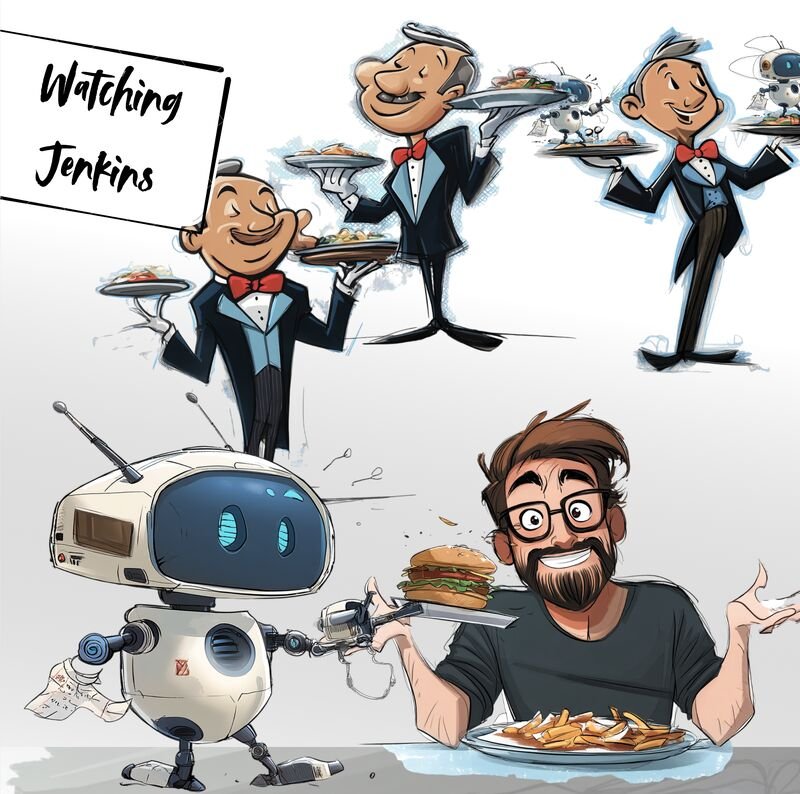 Dinner is served when it’s ready, not when I refresh the page.
What I still do myself
I review the final state and I test the feature. The agent tells me the integration tests are green; it doesn’t decide whether the product does what the customer needs. It also isn’t allowed to merge to shared branches or tear down namespaces without asking, and it has been wrong about „done“ often enough that „show me the log line“ is a reflex. Once it pointed the umbrella at the wrong snapshot of a service and I lost a test run to it. Agents are good at the relay and bad at noticing when they’re running the wrong race.
If you want to try it
- Give the agent its own CI token with the rights you’d give a junior colleague, in a file it reads per variable. Never let it
source or print the file. - Write down the order of operations and the „done“ signal for each step. „Green“ is not a signal; „image published“ is.
- Tell it where failures show up first. For us that’s the test report server, not Jenkins.
- When you explain something for the second time, make the agent write it into CLAUDE.md. The third time, turn it into a skill.
- Always say when you want to hear back. „Tell me when it’s finished“ is a complete and very satisfying prompt.
The pipelines still take time. They just don’t take mine anymore.