I press SPACE, talk for a few minutes, and get a Miro board
I press SPACE, enable voice mode, talk for a few minutes… and get a Miro board for architecture planning. That sounds slightly ridiculous. It is also one of the most useful workflow changes I have made this year, so here is the long version: the setup, the actual prompts (speech-to-text warts included), the shape of the board Claude built, and the places where it went wrong.
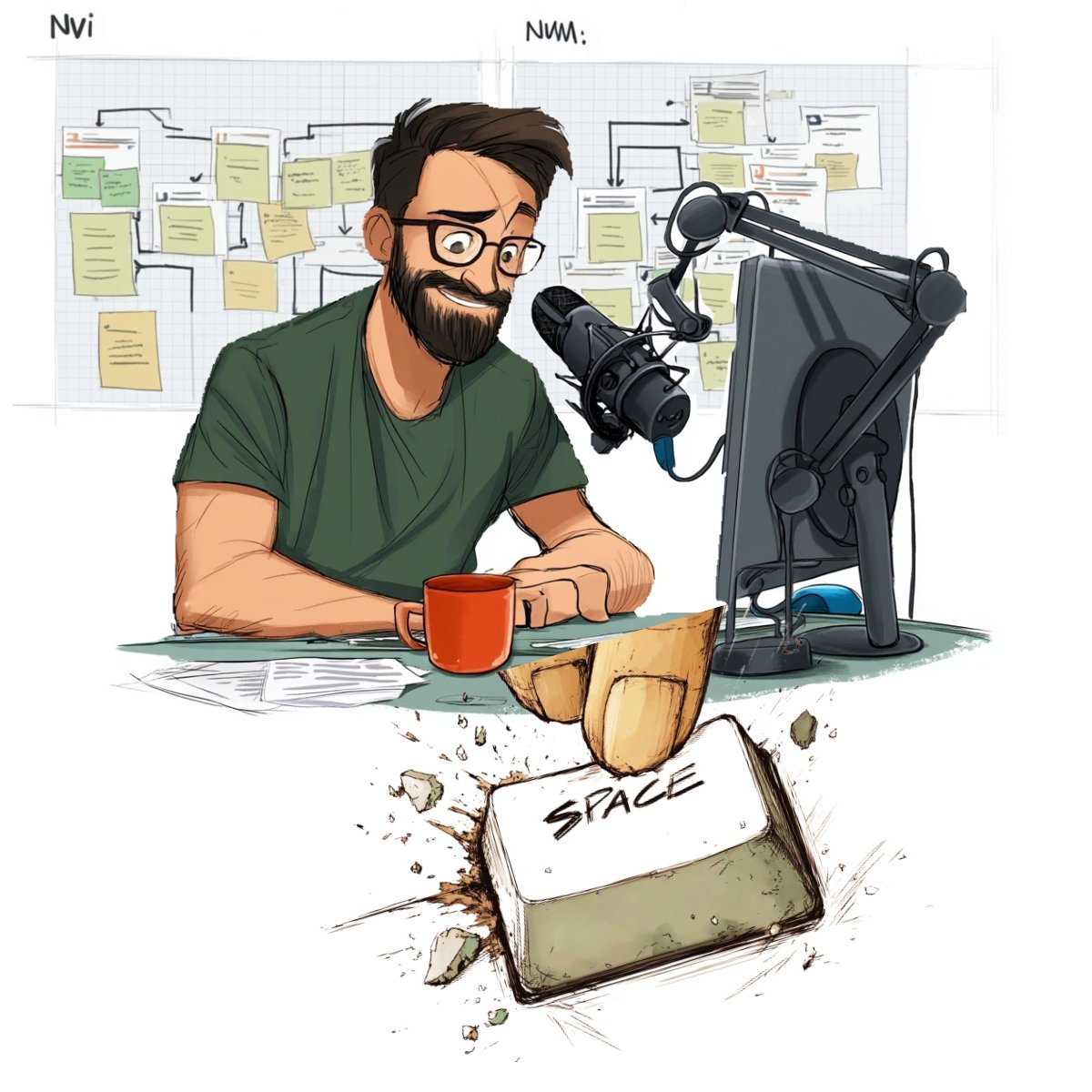 Voice input in, architecture board out. The sticky notes are slightly more organised in real life.
The problem: fifteen tickets nobody can hold in their head
The trigger was customer feedback about Node-RED environment variables. Our platform runs many Node-RED instances per tenant on Kubernetes, and customers wanted a better way to store configuration than what we supported and what open-source Node-RED gives you out of the box: tenant-wide defaults, per-instance overrides, secrets that are actually encrypted, and values that survive a redeploy.
That is never one ticket. It touches the admin UI where people edit settings, a configuration service, a Git repository that stores config files, a GitLab CI pipeline, Helm charts, the Jenkins deploy pipeline, a manager service that owns the Node-RED instances, and Node-RED itself. Around 15 Jira issues, old spikes and five or six repositories.
The setup
- Claude Code in a terminal on my laptop, started inside the Node-RED repository, with the other repositories cloned next to it.
- Voice mode: hold SPACE, talk, release. The transcript lands in the prompt as-is.
- Atlassian MCP for Confluence and the Jira cloud instance. Our main Jira does not work over MCP, so Claude calls its REST API with a token from a local env file. That rule lives in my global
CLAUDE.md, because I got tired of typing „no, you cannot use the Atlassian MCP, use REST“ in every session (I typed it at least three times before writing it down). - Miro MCP, so Claude can read the board and create or update diagrams on it.
Step 1: research (and an honest gap)
In my LinkedIn post I quoted myself as saying „search all issues related to environment variables and Node-RED and give me the relevant ones as a table“ and „which architecture discussions, spikes or previous decisions do we already have?“. Those were paraphrases. The research session itself is not in my local Claude Code history anymore, so I cannot show you the exact words. What survives is its output: an architecture document of about 4,000 words with a „problems solved“ table, three configuration write paths (platform via Helm, tenant via the admin UI, instance via the manager service), a variable catalog, rejected alternatives and ten suggested child tickets.
That document also contains the first diagram drafts, written in the text format the Miro MCP’s diagram tool understood at the time. This is the part that answers „how does Claude turn tickets into boxes“. It is roughly this (node names simplified):
graphdir LR
palette #fff6b6 #c6dcff #adf0c7

n1 Admin UI Save flowchart-process 0
n2 Tenant YAML flowchart-data 0
n3 Instance YAML flowchart-data 0
n4 CI merge YAML flowchart-process 0
n6 helm upgrade flowchart-process 0
n8 flow-context ConfigMap flowchart-data 0
n11 Environment variables flowchart-data 0
n13 REST API flowchart-process 0
n15 Flows read config flowchart-terminator 2
[…]
c n4 merge instance over tenant n6
c n12 flow-facing vars POST n13
c n13 writes instance YAML n3
[…]
cluster c1 "GIT" n1 n2 n3 n4
cluster c2 "JENKINS (HELM)" n5 n6 n7 n8
cluster c3 "KUBERNETES SECRETS" n9 n10
cluster c4 "INSTANCE" n11 n12 n14
cluster c5 "MANAGER SERVICE" n13
cluster c6 "FLOW" n15
That is the structure I described on LinkedIn. Clusters are the top-level boxes for architectural components (Git, Jenkins/Helm, Kubernetes secrets, the instance, the manager service, the flow). Nodes are the concrete things inside them. Every connection carries a label taken from what the tickets and the code say actually travels along that arrow. Version 3 had 15 nodes in 6 clusters, and it was wrong in one important way: it drew the CI merge inside Jenkins. In reality a GitLab CI job does it. Version 4 fixed that, and the document says so: „CI still merged with Jenkins — misleading“.
Step 2: talking to the board
By the evening of the second session the board had a „Full Flow“ that showed all three ways a variable can enter the system. I had already drawn one per-channel flow by hand. My colleagues found the big diagram too dense and wanted one stream per channel. So I pressed SPACE:
<miro board url> Do you remember that the last time we had a conversation about node red environment variable management and how to proceed with that? Now I added to the board a nice flowchart that allows inserting variables from the <admin UI>. It allows inserting variables from the environment variable field in node red itself. And It allows inserting variables from the Kubernetes pipeline. My coworkers, instead of having one big flow that shows all three streams, want to have a stream for each of the three, we already have the one for <admin UI>. In the diagram you see in mirror, please insert the other two flows by taking the nodes from the full flow diagram.
„Mirror“ is how speech-to-text spells Miro. It never learned. What made this prompt work was „by taking the nodes from the full flow diagram“: Claude did not have to invent anything. It reused existing nodes and cut out one path at a time. The first result was still too simple, though:
No. The flow for Node RED is way more difficult for the environment injection. You totally forgot that the environment injection goes to the <manager service> than from the <manager service> rest API. It goes into the instance YAML in the git repository. And then from the instance YAML git repository, there is an automatic workflow that goes via Kubernetes context injection via an automatic Mount of the context reader back to the instance and then simply updates the instance. So it's a really long way, not the short way you paint it.
This is the main lesson of the whole exercise. Claude takes the shortest path between two boxes. The real system takes the scenic route through Git, CI and a ConfigMap mount, and it is the scenic route that the team needs to see. Correcting by voice is fast, but only if you know the system well enough to spot the shortcut.
Then I remembered two more flows while talking. You can hear it:
cool then last flow i totally forgot is that we also need a flow for deleting instance but this is in the node red instance an extra button so the extra button is calling <manager service> whenever something is deleted while the rest API of <manager service> calls the git repo and removes the configuration for the specific instance that's a straightforward flow um then i have the second flow this is a new thing we built into the instance […] I want to take over the variables from another instance. So with <manager service> does then is it calls the git repo, duplicates the instance configuration for the instance you want to copy from, and renames it into the instance YAML name of the instance <manager service> was called from, and then via the config map, it's automatically played back. […] you only have to paint the flow from instance to <manager service> to GitHub repository. Um, Yeah. Only the three components, but it's also in the full flow. You can take it from there.
No punctuation, an „um“, „GitHub“ when I meant GitLab. It still worked, because the prompt says which components to use and where to copy them from. When the copy flow came back wrong, the whole correction was a screenshot plus „[Image #1] no, copy flow is more complicated“. Screenshots of the board are a great feedback channel: pointing beats describing.
The board Claude ended up with
- Full Flow (v4): everything at once, for people who like pain.
- Five per-action streams (v4.1): admin UI → Kubernetes; Node-RED environment field → manager → Git → CI → ConfigMap → back into the instance, with a per-variable encrypt toggle; Kubernetes pipeline (platform values and secrets via Jenkins/Helm); delete instance; take over variables from another instance.
- Superseded versions kept on the board and labelled, so nobody re-argues a decision we already made.
We opened that board in the team meeting, walked through the user flows first, changed boxes live, agreed on product behaviour, and only then went one layer down into components and repositories. After that meeting the board was declared the source of truth, and the architecture document now says so in its first lines: where the doc and the board disagree, the board wins.
What went wrong
Docs and board drift. Halfway through I had to say „Did you notice that it’s not in current state with the mirror board that we just created? The mirror board is currently the source of truth“. Claude updates the thing you are talking about and forgets the other artefact. Tell it which one wins.
Miro layout is still fiddly. An earlier board for a different Node-RED feature taught me most of this. Claude put descriptions in white text on white cards („did you put it white on white?“), then stuffed all the descriptions into the titles („hehe no, now you put all desc in the title“), and the session ended with „still not good, debug a bit, but leave it for now. I need to sleep.“ In the follow-up session the UML-style components kept breaking, and the fix was „these uml components do not work well. can you switch to normal miro components, please“. Plain shapes, sticky notes and connectors are much more reliable than anything clever.
The MCP connection drops. Several prompts in my history are just „/mcp“, then „retry. mcp should be back“. Budget for that.
 The most expensive key on my keyboard.
If you want to try it
- Give Claude read access to where the knowledge lives (tickets, wiki, repos) and write access to exactly one shared artefact, the board.
- Do the research first and keep it as a Markdown document in the repo. Then ask for the diagram from that document, not from your memory.
- Ask for structure explicitly: clusters for components, nodes for concrete things, labelled connections that come from the tickets and the code, and one stream per user flow.
- Version the diagrams on the board (v3, v4, v4.1) instead of overwriting them, and write down why a version was superseded.
- Correct by voice, but check every arrow. The shortcuts are where the bugs of next quarter are.
- Declare a source of truth, and tell Claude what it is.
It does not replace the architecture discussion. It makes the discussion start at the right level, with everyone looking at the same picture instead of fifteen browser tabs. Pretty solid upgrade for one SPACE bar.