Our system was firing thousands of messages a day. The receiver heard nothing.
Our system was firing thousands of messages a day. The receiver on the other side heard… nothing. No error. No crash. Just silence.
The setup is a pretty standard event pipeline. Whenever something changes on our side, an event goes into Kafka, a Node-RED flow picks it up and publishes a message to an Azure Service Bus queue: the agreed mailbox that a downstream marketing-tool partner reads from. Dashboards green, events produced, everything looked healthy. And the partner’s inbox stayed empty. No „consumer joined“ in the logs, no delivery. Just a receiver sitting patiently next to an empty mailbox.
The culprit turned out to be one byte. Here is how Claude Code and I found it in one morning, with the prompts I actually typed, and the fix that keeps it from coming back.
 Thousands of letters in, nothing delivered.
The setup: three repos and a skill
The session did not even start with the Service Bus. It started with a different missing variable in the same Node-RED world, and I opened it the way I open most multi-repo investigations: tell the agent where it is, what the other repos are, and what each one does. I like XML-ish tags for that, because the agent keeps the context and the question apart:
hey, we are searching for a reason why <VARIABLE> variable is not injected via <manager-service> into Node-RED pods. Can you check the current repo and ../<manager-service>
<context> We are facing an issue at a customer where a NodeRED flow contains ${<VARIABLE>} in a URL and the variable is not resolved. The node is the Kafka Consumer node which uses Kafka broker </context>
<code repos> ../nodered - contains noderednodes
../<manager-service> - a SpringBoot App to spin up Node-RED instances and inject variables, secrets, context
. - a Jenkins Pipeline setting up our helm charts in kubernetes and defining what variables <manager-service> gets </code_repos>
So the agent sat in the Jenkins/Helm repo with the Spring Boot manager service and the Node-RED nodes next to it. The second ingredient was a skill I had built earlier for exactly this kind of work: a SKILL.md that teaches the agent how a tenant is laid out on our clusters (one tenant is several namespaces, not one), where the kubeconfigs live, to ask which one to use instead of guessing, and to stay read-only unless told otherwise. Plus a command cookbook as a reference file. That skill paid for itself in this session.
The prompts that did the work
Once the first question was answered, I switched to the Service Bus. The flow code reads three environment variables, and I wanted to know how they get into the pod:
thx. ok. And how do these const asbEndpoint = env.get("<PARTNER>_ASB_ENDPOINT"); const asbKeyName = env.get("<PARTNER>_ASB_KEY_NAME"); const asbKey = env.get("<PARTNER>_ASB_KEY"); get injected to <admin-app>????

global.nodered.<partner>AsbKey  - so helm upgrade needed, right?
This is where the agent earned its first coffee. It traced that the three values reach the pod by two different routes: endpoint and key name through a ConfigMap (envFrom), the key itself through a secretKeyRef that is only rendered when a feature flag is set. And it pointed out the classic rollout gotcha: if you only change the value of a Secret, nothing restarts, and the running pod keeps the old environment forever.
Then I needed to find the tenant:
can you use the ~/Documents/git/<kubernetes-ns-skill> skill to figure out where <tenant> namespace runs
It chased the service across four clusters before it found the live one. On the way I made the classic human mistake and sent it to the wrong stage. I pasted the full connection string from the partner and asked it to push the variables to the test tenant and restart the app. Yes, I pasted a live access key into a chat. Don’t do that; rotate it afterwards if you did.
Endpoint=sb://<namespace>.servicebus.windows.net/;SharedAccessKeyName=<policy>;SharedAccessKey=<redacted>;EntityPath=<queue>  [Pasted text #1 +3 lines] const connectionString = `Endpoint=sb://${asbEndpoint}/;SharedAccessKeyName=${asbKeyName};SharedAccessKey=${asbKey};EntityPath=${topicName}`;  can you push the three environment variables to <tenant>-test and restart <admin-app> such that events start firing

please show me pod names for <solution-namespace>-test

no, <tenant>-dev!!! not test

just downloaded <cluster>.cfg
The nice part: on the wrong tenant, the agent refused to „fix“ an app that did not exist there instead of creating something to make my instruction work. That is exactly the behaviour you want on a shared cluster, and it is the kind of rule the skill spells out.
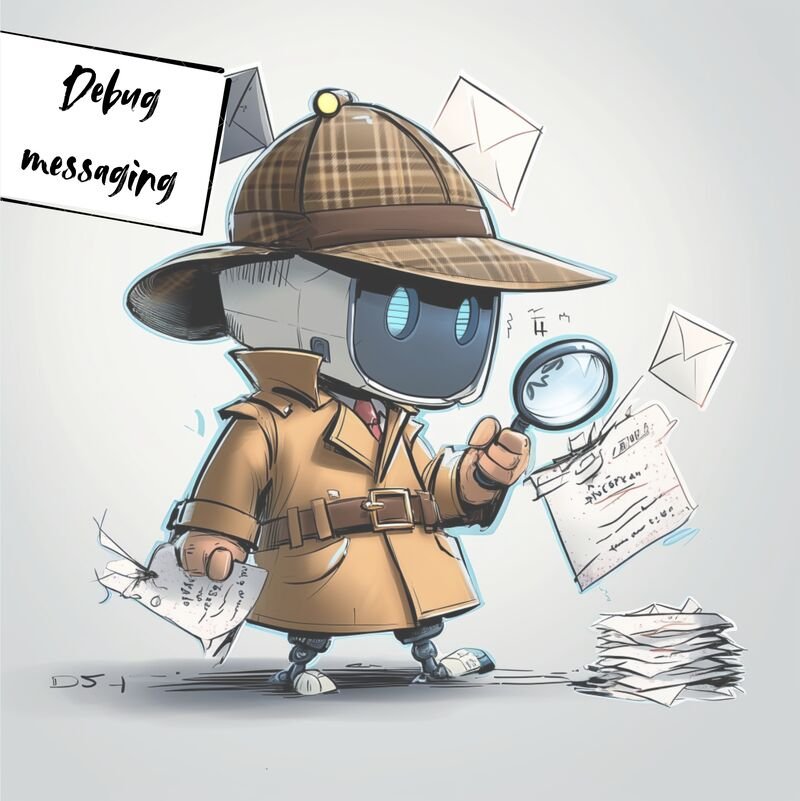 Byte by byte. The robot read every letter.
The tell: 45 bytes
On the right tenant and the right cluster, the agent went through the usual suspects first. Broker down? No. Network blocked? No. Wrong environment? Not anymore. Then it followed the connection string piece by piece. Endpoint correct. Key name correct. Then it decoded the stored key from the Kubernetes Secret and counted: 45 bytes. The real key was 44 characters.
One trailing newline, baked into the Secret by a classic echo "..." | base64. echo appends \n, base64 faithfully encodes it, and Kubernetes faithfully hands it to the container.
The flow builds SharedAccessKey=<key>\n;EntityPath=..., the signature is computed with the wrong key, and Azure rejects the authentication. Nothing anyone looked at showed an error. The events were produced, the pipeline was green, and the mailbox stayed empty.
The fix took minutes. The agent wrote the corrected value through a temporary file rather than putting it on the command line, so the key did not end up in shell history, patched the Secret, and restarted the deployment
Done we were! Messages arriving again and the customer happy.
The fix
Stripping the stray byte and rotating the secret got the messages flowing again. But a fix that depends on everyone remembering echo -n is not a fix. So we changed our code: the key is now trimmed before it goes into the connection string, so empty lines and trailing newlines can never end up in a key again.
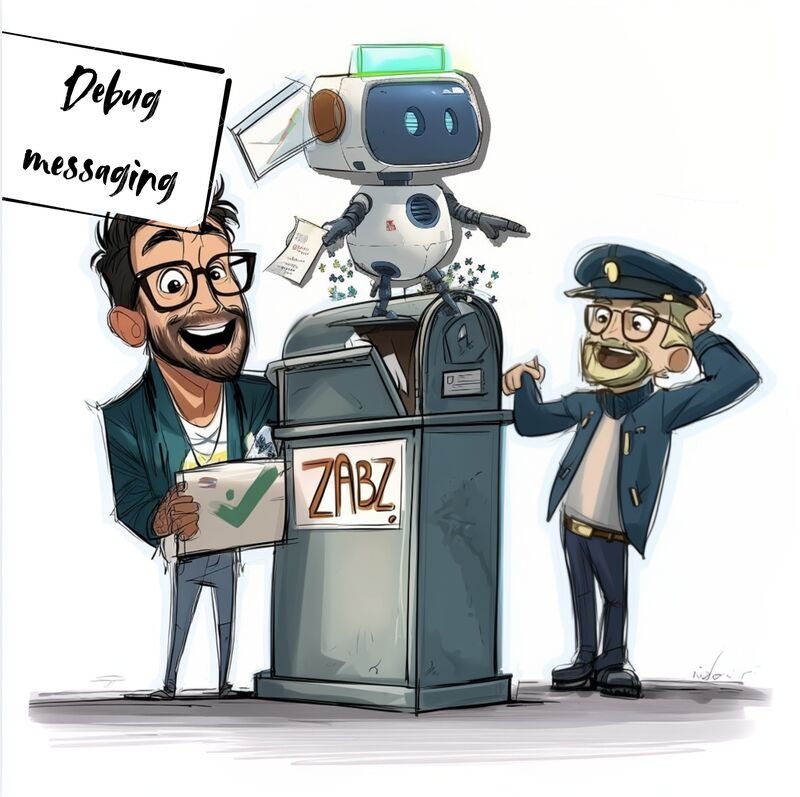 Delivered. The postman still does not know what happened.
What went wrong, honestly
- I sent the agent to the wrong stage. The skill made it ask and refuse instead of improvise, but the mistake was mine.
- I pasted a production-grade key into a prompt. Redact before you paste, or reference an env file instead.
- The patch on the live Secret is not the end. The agent warned that the next Helm deploy would write the poisoned value again. The real fix belongs where the value is generated, otherwise the next deploy quietly brings the silence back.
Takeaways if you want to try this
- Open multi-repo sessions with a map: which repo is where and what it does. Tags like
<context> and <code repos> are cheap and help. - Put your cluster knowledge into a skill: namespace layout, where kubeconfigs live, „ask, don’t guess“, read-only by default.
- Ask how a value travels into the pod, not only what it is. Two routes means two places to break.
- Verify on the receiving side. „Event produced“ is not „event delivered“.
- When a secret „looks right“ and still fails, count its bytes.
The bug was not in the code, not in the network and not in the cloud. It was one character you literally cannot see. What an agent is great at is not being smarter than you; it is being patient enough to read every letter instead of skipping the one your eye always skips.